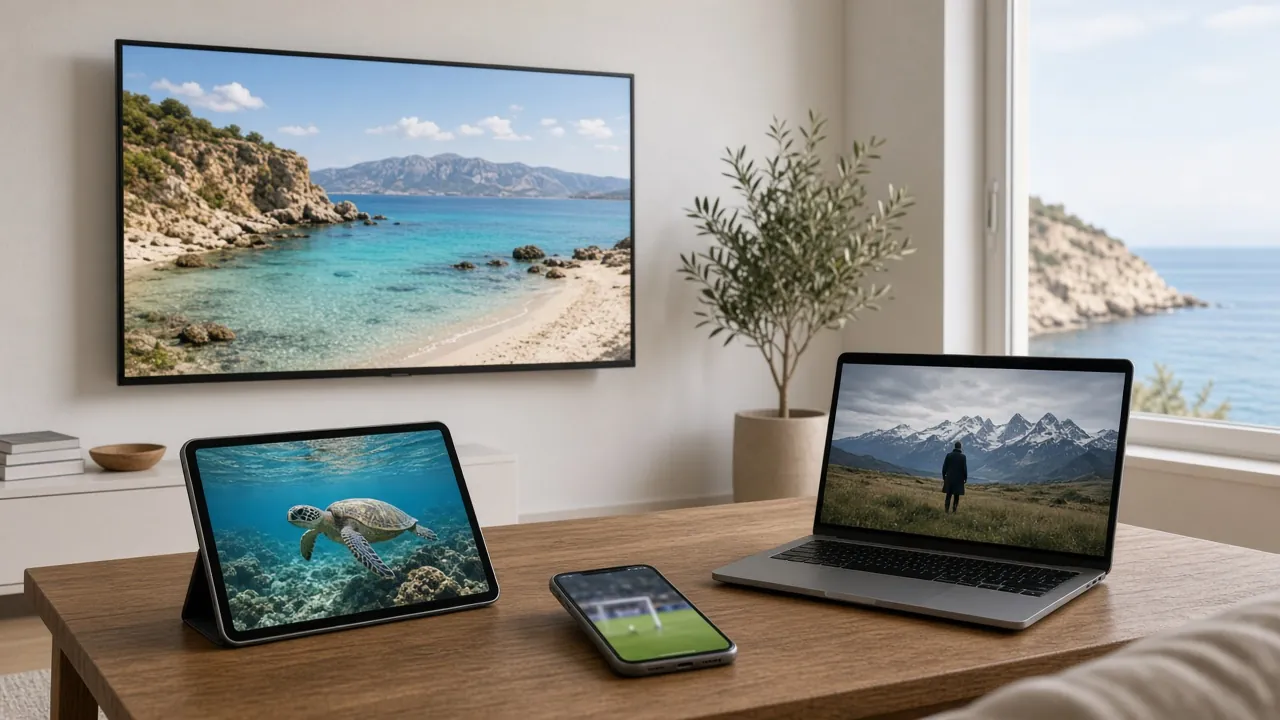

A holiday home in Cyprus is a wonderful thing, until you arrive after months away and the TV will not work. Seasonal properties have their own challenges: routers that have been off all winter, the odd power cut, older TVs and family members who just want to watch the news. This guide covers how to get IPTV working quickly and keep it stable for the whole stay.
Why holiday homes need a slightly different approach
In a home you live in every day, small problems get noticed and fixed as they happen. In a seasonal property, they pile up while you are away:
- The internet may be paused or changed. Contracts get suspended for the winter, routers get swapped, Wi-Fi passwords get reset.
- Equipment sits unused. Devices miss months of software updates and can take a while to catch up when switched on.
- Power can be interrupted. Storms or electrical work while the house is empty can leave routers and boxes in an odd state.
- Different people use the TV. Family and friends staying with you may not know how anything works.
- The TV may be older. Holiday homes often inherit the previous main TV, which may not run modern apps.
None of these are hard to solve. They just reward a little planning.
Before you travel: a quick checklist
- Check the internet is active. If you suspended your contract for the off-season, arrange for it to be reconnected before you arrive.
- Order your plan before you fly. WhatsApp works from anywhere, so you can buy IPTV in Cyprus from abroad and have your login details waiting.
- Tell us which TV or device is at the property. We will send setup steps for that device, so you are not searching for instructions on arrival.
- Pack a streaming stick if the TV is old. A stick plugs into any HDMI port and gives an older TV modern apps. It is also easy to take home with you at the end of the stay.
- Keep the router details handy. Note the Wi-Fi name and password (usually on a sticker on the router) in your phone.
Internet options for a seasonal property
The right connection depends on how often the property is used:
- A fixed-line connection gives the most stable picture and suits homes used for several months of the year.
- A 4G or 5G home router uses mobile data instead of a phone line. It can be a flexible choice for shorter or occasional stays, provided the signal at the property is strong and the data allowance is generous enough for streaming.
- A phone hotspot works in an emergency, but streaming uses a lot of data and phones are not designed to run as routers for hours at a time.
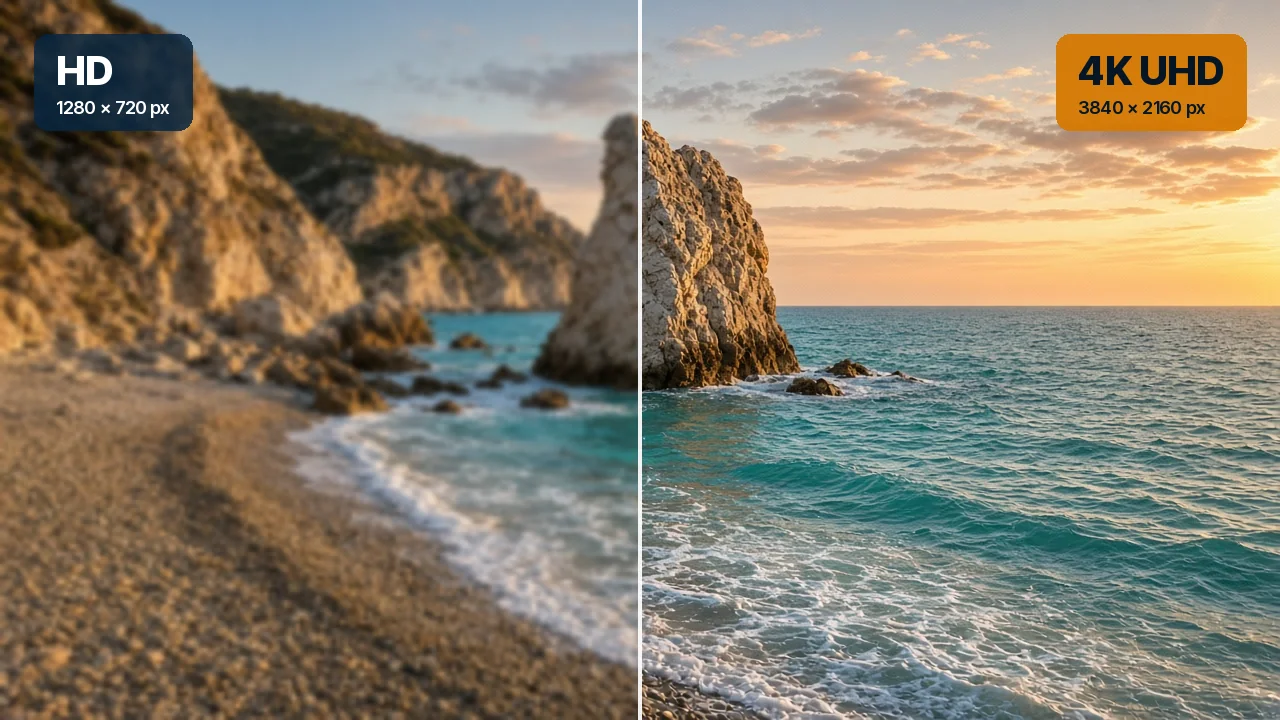
Whichever you use, check the speed on arrival. We recommend at least 10 Mbps for HD, 25 Mbps for 4K and 50 Mbps for 8K.
Getting set up on arrival
- Switch on the router first and give it five minutes to connect fully before turning on anything else.
- Run a speed test on your phone, connected to the house Wi-Fi, standing next to the TV.
- Switch on the TV or streaming device and let it install any pending updates. After months off, this can take a while.
- Install or open the player app using the steps we sent you.
- Enter your login details from the WhatsApp chat.
- Check the TV guide and set the time zone to Cyprus time (Europe/Nicosia) if programme times look wrong.
- Choose the quality to match the line. If your speed test was below our 4K recommendation, HD will give a steadier picture.
If anything does not work, message us on WhatsApp. Support is free and available 24/7, so arriving late at night is not a problem.
Protecting your setup from power cuts
- Use a surge-protected extension for the router, TV and box.
- Consider a small UPS (uninterruptible power supply) for the router. It keeps the internet running through short power interruptions.
- Restart in the right order after an outage: router first, wait a few minutes, then the TV or box.
- Use a cable where you can. Wired devices reconnect automatically and reliably once the router is back. Our guide to Wi-Fi vs Ethernet for IPTV explains the options.
Making it easy for family and friends staying with you
Your login details are for your own household’s use, and that includes family and friends staying with you. A few touches make the TV easy for everyone:
- Set up favourites with the channels people watch most, so nobody has to scroll through the full line-up.
- Leave a simple note by the TV: which remote to use, which input to select and how to open the app.
- Keep the WhatsApp chat on your phone so you can help remotely, or forward our setup steps to whoever is staying.
- Show people catch-up. Guests love being able to replay something they missed. Our catch-up TV guide explains how.
Plans are for personal and household use and must not be resold or shown publicly. If your property is a commercial rental, please message us before ordering so we can discuss what is appropriate.
Watching around the property
Holiday homes are made for outdoor living, and IPTV is not limited to the TV in the lounge. With a player app on a phone or tablet, you can follow the news on the terrace or keep an eye on a match by the pool. A few tips: Wi-Fi often weakens outdoors, so a mesh unit near a window or door helps; keep devices out of direct sunlight, which can overheat them; and HD uses far less data than 4K, which matters if your property relies on a mobile router.
Which plan suits a holiday home?
Every plan includes the same features, so choose by how long you will be there:
- A week or two: 1 Month at €19.
- A summer stay: 3 Months at €37, which is €12.33 a month.
- Half the year in Cyprus: 6 Months at €52, which is €8.67 a month.
- Frequent visits through the year: 12 Months at €75, just €6.25 a month.
Our article on monthly vs yearly IPTV works through the maths in more detail.
Leaving for the season: a shutdown checklist
- Note when your plan ends, so you can renew before your next visit.
- Unplug the TV and box, or switch them off at the wall, to protect them from power surges.
- Decide about the router. Leave it on if you use smart devices or cameras; otherwise switch it off.
- Take the streaming stick with you if you brought one. It works in your other home too.
- Keep the WhatsApp chat. It holds your setup steps for next time.
Frequently asked questions
Can I order before I arrive in Cyprus?
Yes. WhatsApp works from anywhere, so you can order from abroad and have everything ready to set up when you arrive.
My holiday home TV is quite old. Will it work?
If it has an HDMI port, a streaming stick will almost certainly make it work. Send us the TV model and we will advise.
What if I arrive late at night and something does not work?
Message us on WhatsApp. Support runs 24/7, so you can get help whenever you arrive.
Ready for your next stay? Read how to buy IPTV in Cyprus on WhatsApp, compare our IPTV packages, or contact us with any question. For everything else, visit IPTV Cyprus.