
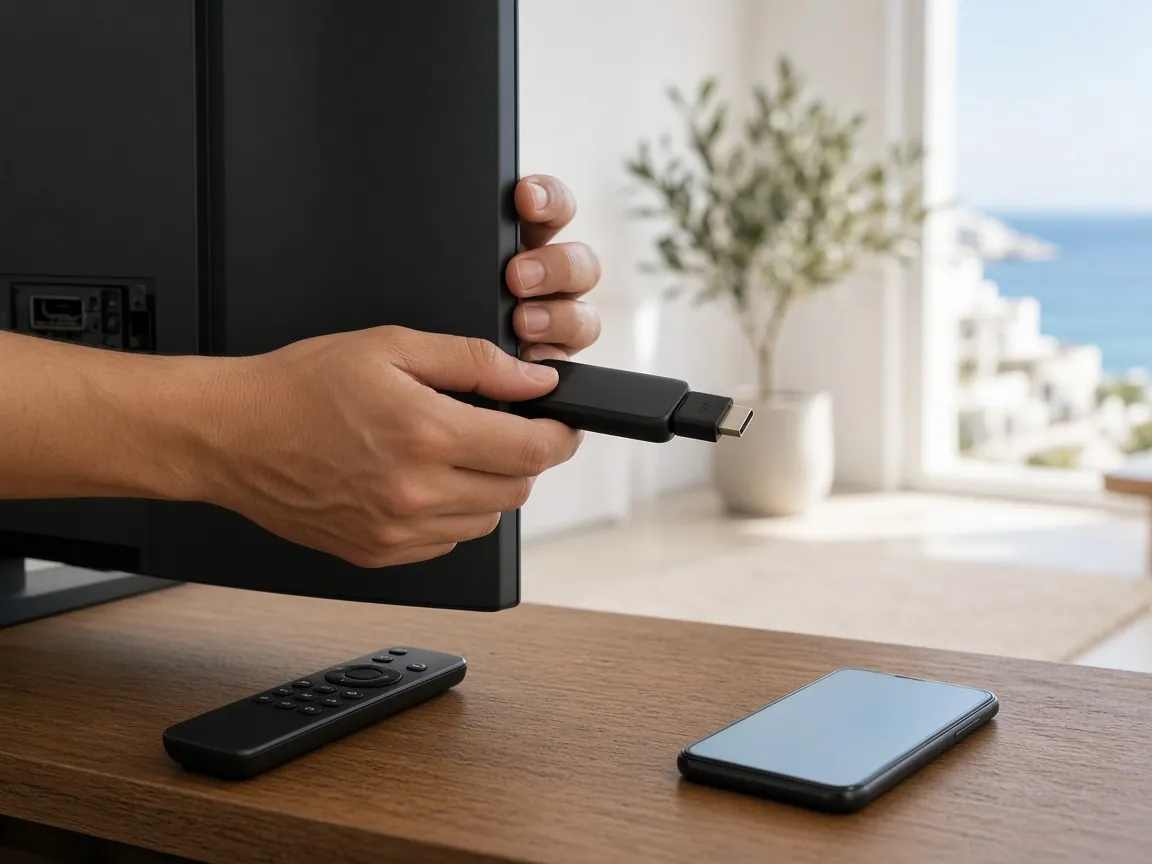
Good support is the difference between a service you enjoy and one you put up with. Ours is free on every plan, available 24/7, and handled in a WhatsApp chat with a real person who can see the whole history of your order and setup.
IPTV support Cyprus: what we cover
If it stops you watching, we will help with it. The most common requests are:
- First-time setup: installing the right player app and entering your login details.
- New or replacement devices: moving your plan to a new TV, box, stick, phone or computer.
- The TV guide and Catch-Up: getting the EPG to load, fixing time offsets and finding replays.
- Picture and playback: buffering, freezing, blurry pictures or audio out of sync.
- Error messages: anything the app shows that you do not understand.
- Plan questions: renewing, switching to a longer plan or checking when your plan ends.
How to get help in five steps
The quickest fixes come from clear first messages. Follow these steps and we can usually find the cause without a long back-and-forth.
- Open your WhatsApp chat with us. Use the same number you ordered from: +44 7576 966392 (opens WhatsApp in a new tab). Your order history is already there, so you do not need to explain who you are.
- Say which device and app you are using. For example, “Android TV box, using the player app you recommended”. If you are not sure of the model, a photo of the label is perfect.
- Describe what you were doing. Which channel or film, and roughly what time. “It froze on a sports channel at about 9pm” is far more useful than “it doesn’t work”.
- Send a photo of the screen. If there is an error message, a quick photo saves typing and shows us exactly what you see.
- Follow the steps and reply as you go. We send one or two steps at a time and wait for your reply, so nobody gets lost.
Try these quick fixes first
Many everyday problems can be solved in a couple of minutes without contacting anyone. If something is not right, work through this list in order:
- Close and reopen the app. Fully close it rather than just going back to the home screen.
- Restart the device. Switch the TV, box or stick off at the wall, wait 30 seconds and switch it back on.
- Restart your router. Unplug it for 30 seconds. Give it a few minutes to reconnect before testing again.
- Check your internet speed. Run a speed test on the device you watch on, or on a phone connected to the same Wi-Fi. We recommend at least 10 Mbps for HD and 25 Mbps for 4K.
- Try a cable. If you are on Wi-Fi, connect the device to the router with an Ethernet cable and see whether the problem disappears.
- Update the app. Check the device’s app store for an update to your player app.
- Check the date and time. A wrong date, time or time zone on the device can stop the TV guide from loading.
Tell us which of the steps above you have already tried. It means we will not ask you to repeat them.
24/7 IPTV help: what to expect
Support is available around the clock, every day of the year, at no extra cost. When you message us:
- A person replies. Not a menu of options or a chatbot loop.
- Instructions are written for your device. We do not send generic guides for equipment you do not own.
- Everything stays in one place. Because it is WhatsApp, you can scroll back to find a setting or step we sent you weeks ago.
- We are honest about causes. If the problem is your internet line or an old device, we will say so and suggest what to do.
IPTV setup help for new customers
Setup support starts the moment your order is confirmed. Here is what a typical first setup looks like:
- We confirm your device. If you did not mention it when ordering, we ask what you will watch on.
- We send the app instructions. Short, numbered steps to install the right player app for that device.
- You enter your login details. We send them in the chat, so you can copy and paste them on a phone or read them off the screen for a TV.
- We check the TV guide and Catch-Up. We make sure the programme guide loads and the time zone is right.
- You start watching. If anything looks wrong at any stage, you reply and we pick up from there.
Helping family members get set up
Setting up TV for parents, grandparents or a holiday home you are not at? That works well on WhatsApp. You can order from your own phone, forward the setup steps, or message us while you are standing next to the TV. We are happy to go at whatever pace suits the person watching.
When the problem is your internet line
Sometimes the cause is not the stream or the device but the connection to your home. If our checks point that way, we will explain what we found and what to tell your internet provider, such as the speeds you measured and when the drops happen. The checklist in our IPTV anti-freeze guide and our article on Wi-Fi vs Ethernet for IPTV are good next reads.
Renewals and plan changes
Support is not only for when something breaks. Message us any time to check when your plan ends, renew before it runs out, or move to a longer plan to bring the monthly cost down. Plans do not renew automatically, so a quick message a few days before the end date keeps your TV running without a gap.
Support is included on every plan
There is no paid support tier and no call-out charge. Free 24/7 help comes with every plan, from €19 for one month to €75 for a year. Compare all of them on our IPTV packages page, or contact us if you have a question before you order.
Message support on WhatsApp (opens WhatsApp in a new tab)
New here? Find out what IPTV Cyprus includes, from channels and devices to Catch-Up and the built-in VPN.